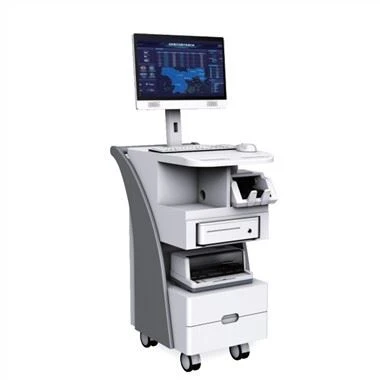
Check whether the power of the LCD monitor is turned on. If you turn it on, please check whether the power cord of the LCD monitor is intact. Remember, if you don't turn on the power of the LCD display first, it may cause the false appearance of a black screen, don't forget it.
If the switching power supply of the LCD monitor has been turned on, the LCD switching power supply light shows normal values, but there is no display on the display screen. The reason may be that the brightness or brightness contrast adjustment ratio of the monitor is not appropriate, and it does not rule out the failure of the graphics card hardware system or the LCD It may be caused by a loose connection between the monitor signal cable and the graphics card interface.